

Courses & digital products
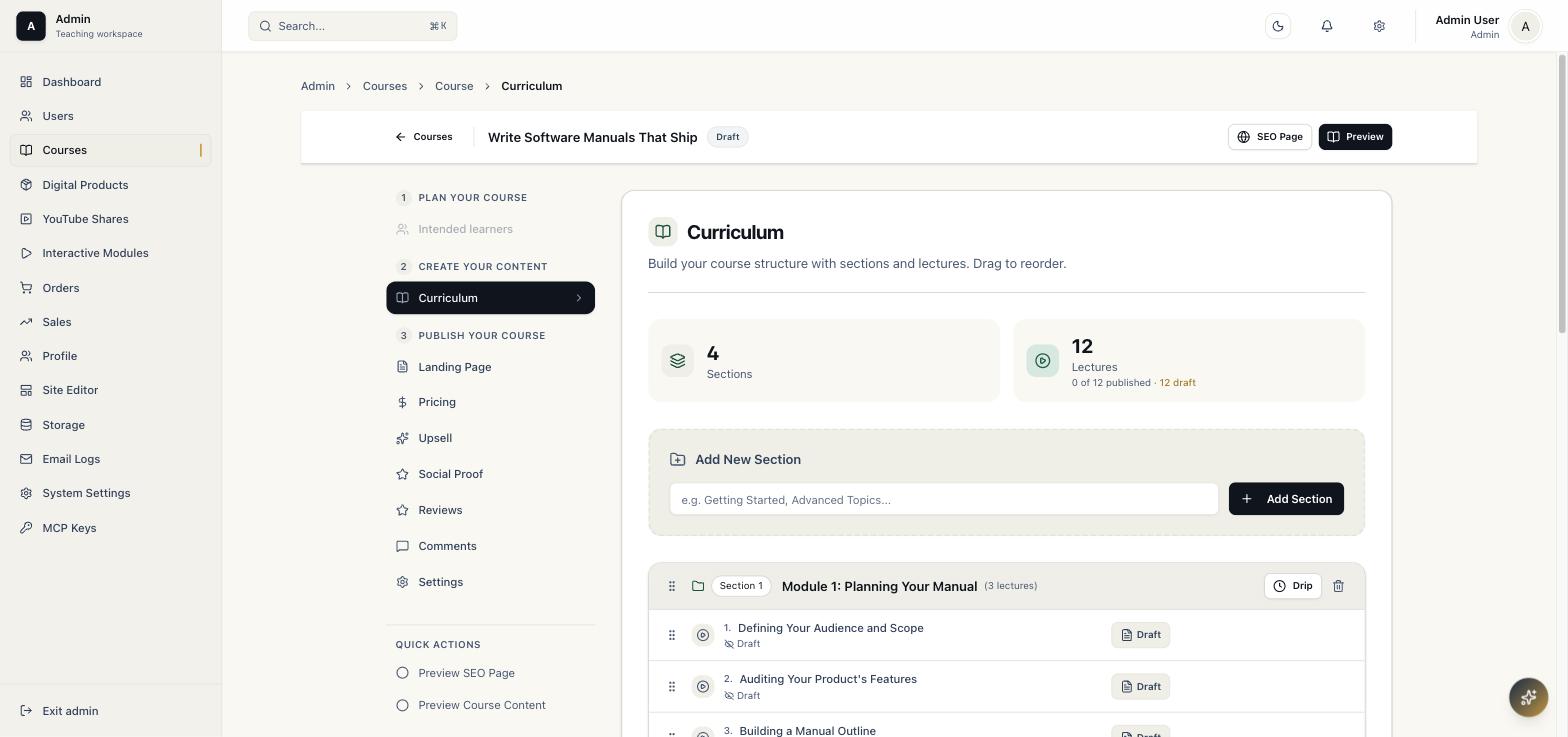
Modules, lessons, drip schedules, interactive content, and downloadable files in one curriculum builder.
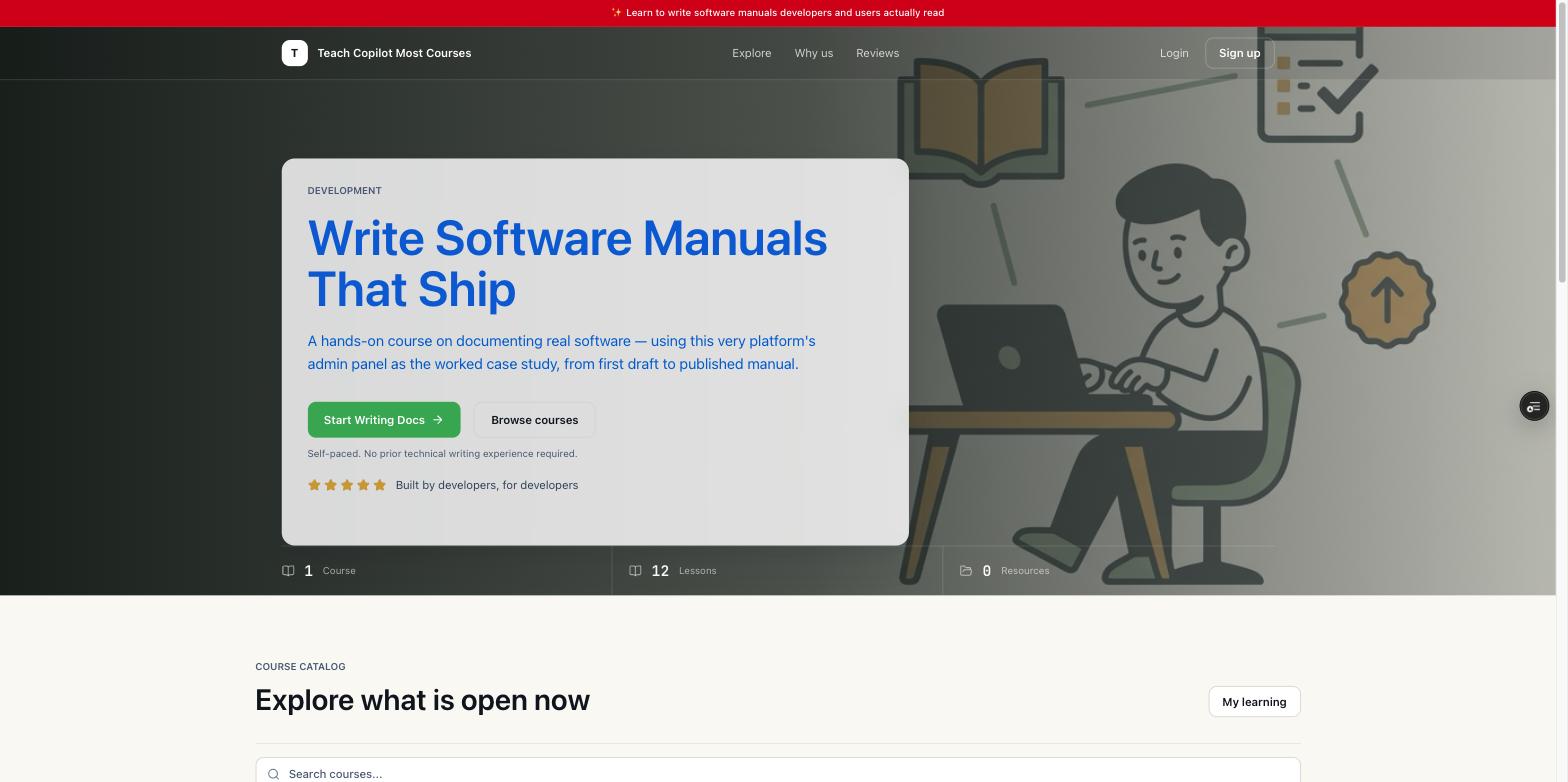
One payment. Three activations. Use them for your own sites or client sites.
TeachCopilot gives you the full self-hosted course business stack, so you can create courses faster with AI, then sell under your own brand or for paying clients from one license.

TEACHCOPILOT100
3 site activations included
Your database, your infra
Pick the single-container launch or the Docker Compose stack with bundled PostgreSQL. Then open the setup route and create the first admin account.
Read the Manual# Quick Start: docker run $ docker run -d \ --name teachcopilot \ -p 3000:3000 \ -e DATABASE_URL="postgres://user:password@host:5432/dbname" \ -e AUTH_SECRET="$(openssl rand -base64 32)" \ -e AUTH_URL="https://your-domain.com" \ -e NEXT_PUBLIC_BASE_URL="https://your-domain.com" \ -e LICENSE_KEY="your-license-key" \ -e ENABLE_MIGRATIONS="true" \ dennisyin/teachcopilot:latest
https://your-domain.com/setup after the container starts to create your first admin account.
# Quick Start: Docker Compose (with bundled PostgreSQL)
services:
  db:
    image: postgres:16-alpine
    restart: unless-stopped
    environment:
      POSTGRES_USER: teachcopilot
      POSTGRES_PASSWORD: ${POSTGRES_PASSWORD}
      POSTGRES_DB: teachcopilot
    volumes:
      - db-data:/var/lib/postgresql/data

  app:
    image: dennisyin/teachcopilot:latest
    restart: unless-stopped
    depends_on:
      - db
    environment:
      DATABASE_URL: postgres://teachcopilot:${POSTGRES_PASSWORD}@db:5432/teachcopilot
      AUTH_SECRET: ${AUTH_SECRET}
      AUTH_URL: ${AUTH_URL}
      NEXT_PUBLIC_BASE_URL: ${AUTH_URL}
      LICENSE_KEY: ${LICENSE_KEY}
      ENABLE_MIGRATIONS: "true"
    ports:
      - "3000:3000"

volumes:
  db-data:
https://your-domain.com/setup after the container starts to create your first admin account.
Most course platforms keep charging rent on the same business you already built: monthly fees, transaction cuts, and customer data sitting on infrastructure you do not control.
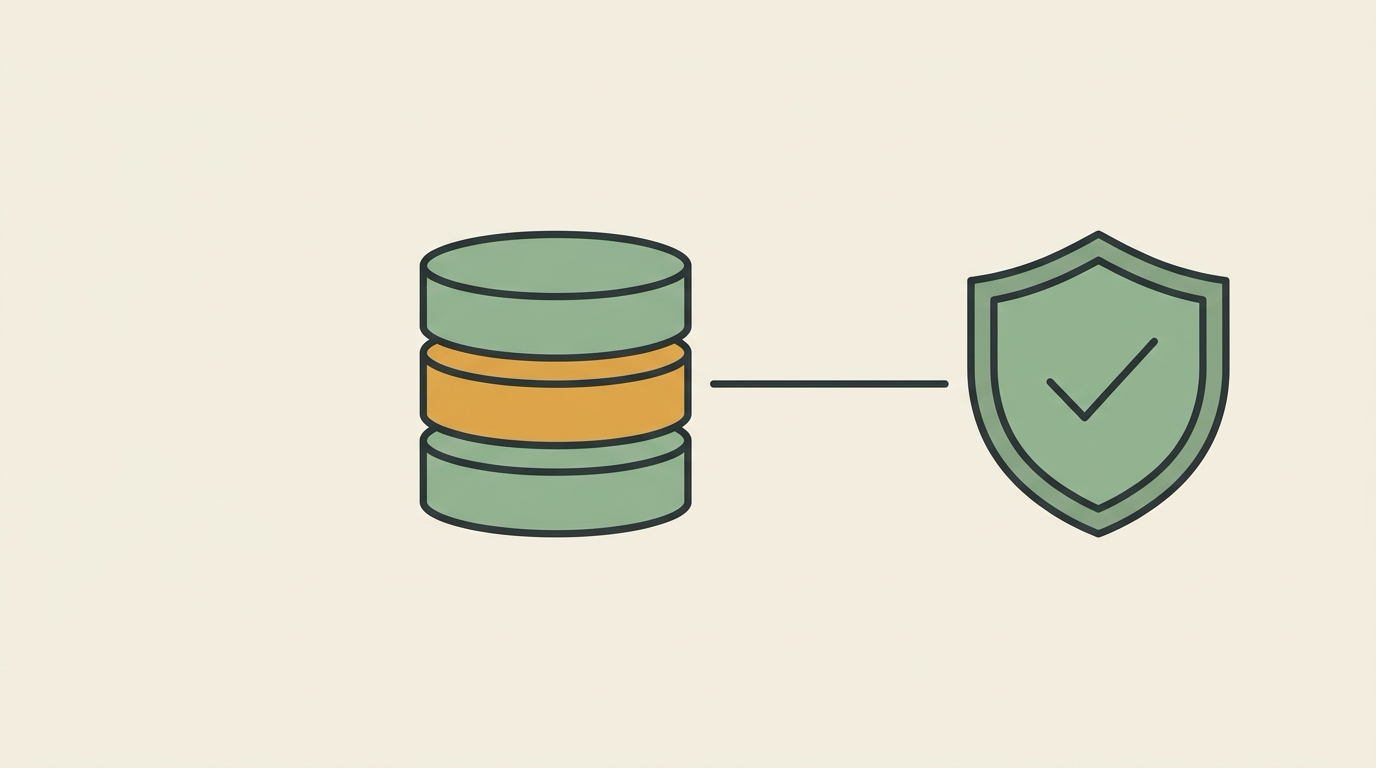
TeachCopilot flips that. Pull one Docker image and keep courses, customers, files, and orders in a Postgres-backed system you can control, back up, and reuse.
Use TEACHCOPILOT100 at checkout
Use them for your own projects, client builds, or a mix of both.
Get TeachCopilotNo extra theme marketplace, no plugin maze, no separate tool just to edit the homepage or manage orders.
Modules, lessons, drip schedules, interactive content, and downloadable files in one curriculum builder.
Stripe, PayPal, Lemon Squeezy, and manual bank transfer from a unified sales workflow.
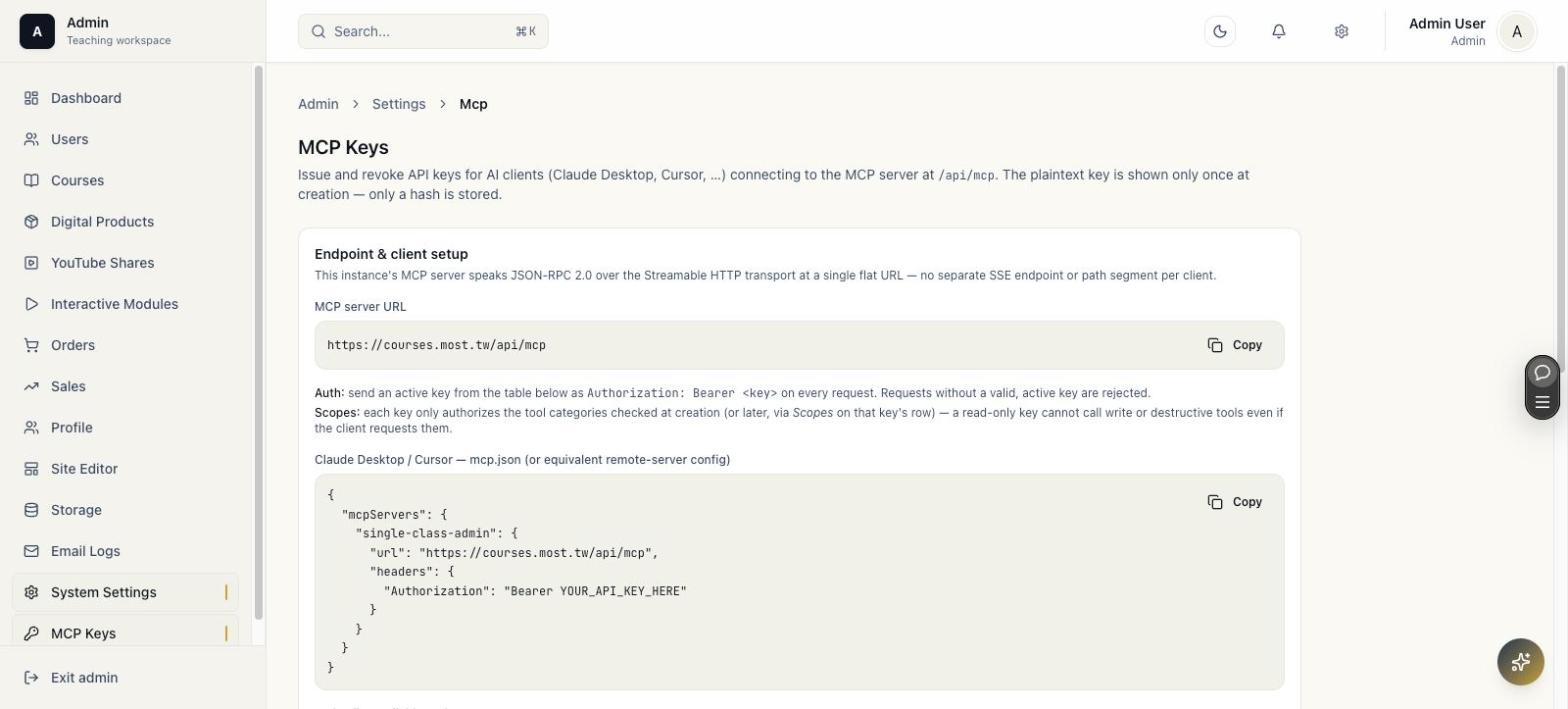
Scoped MCP access lets supported assistants build and manage courses, pricing, and orders directly, so course creation happens in hours instead of days.
Sections, lessons, drip schedules, and markdown lesson bodies with embedded interactive modules, all reorderable by drag and drop.
Every instance ships its own MCP server. Issue a scoped API key and manage courses, pricing, and orders in the same conversation you're already having.
Deploy it on your own server or a container host you control. Your database, your files, your customer list. No per-seat fee and no platform that can lock you out.
One purchase includes 3 activations. Use them on your own brands or on client deployments you get paid to run.
One purchase includes 3 live activations. Use them for your own brands, sell client builds as a service, or split them between both.
Use code TEACHCOPILOT100 at checkout
The manual walks through these pages step by step, with the same real screenshots you see here.
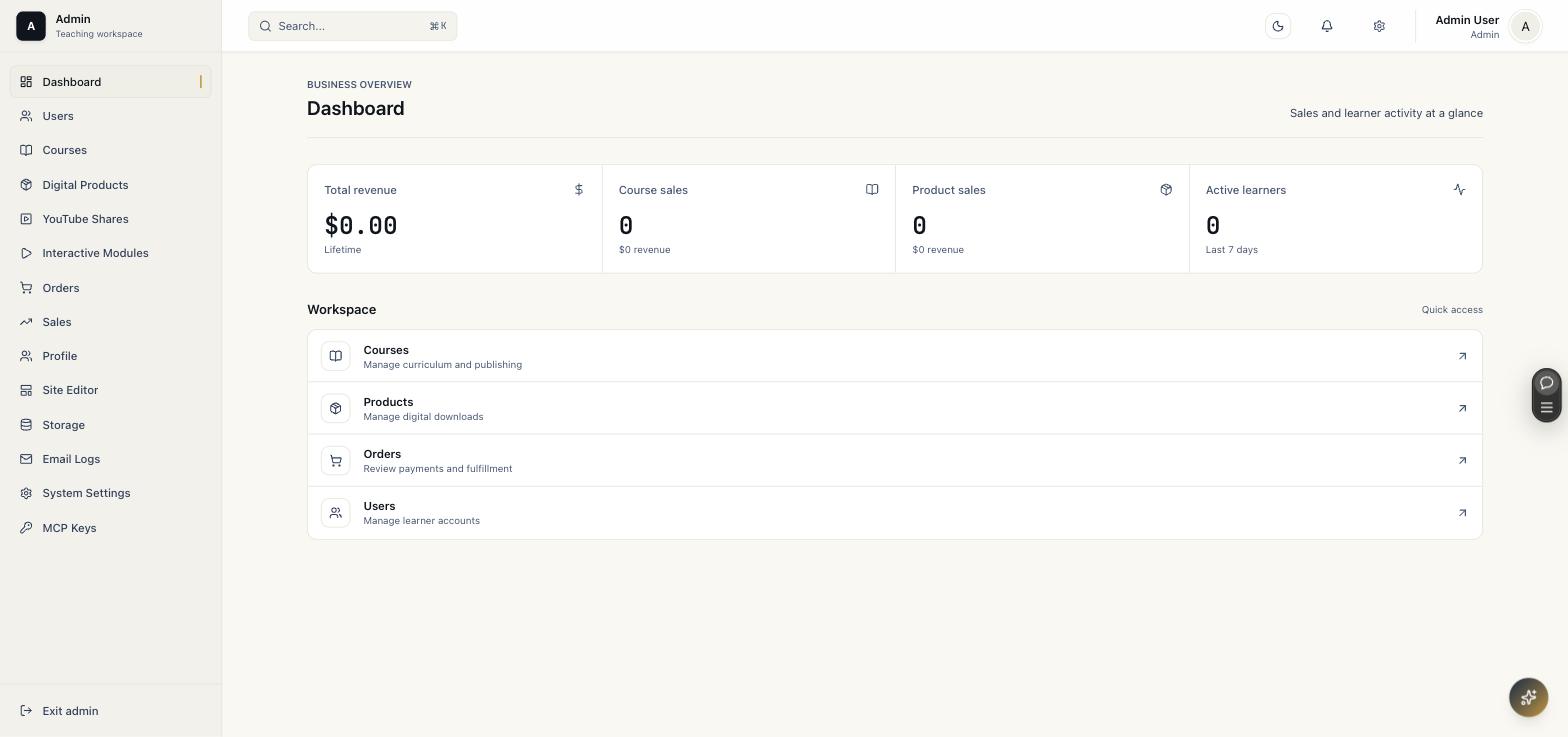
Revenue, orders, and workspace shortcuts at a glance.
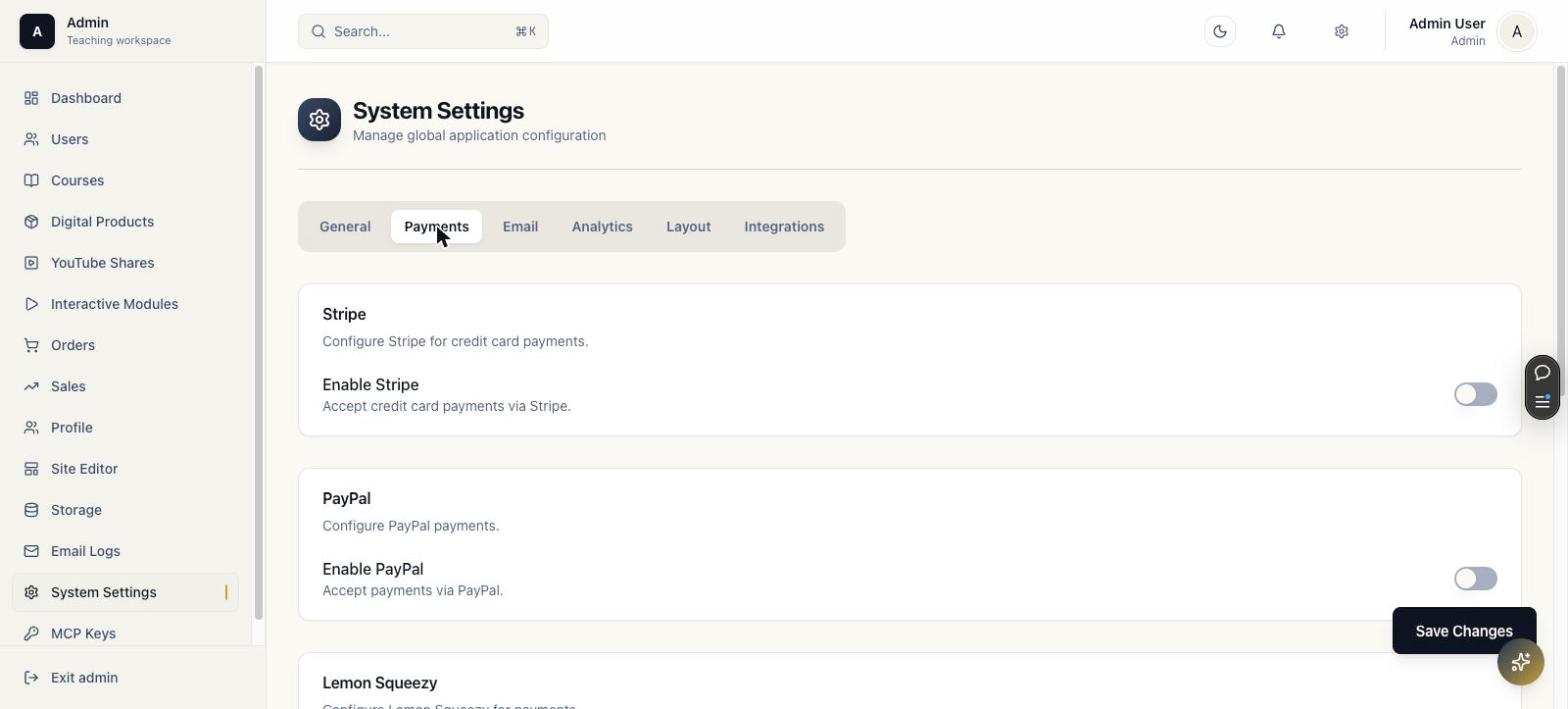
Enable and configure each provider from one tab.
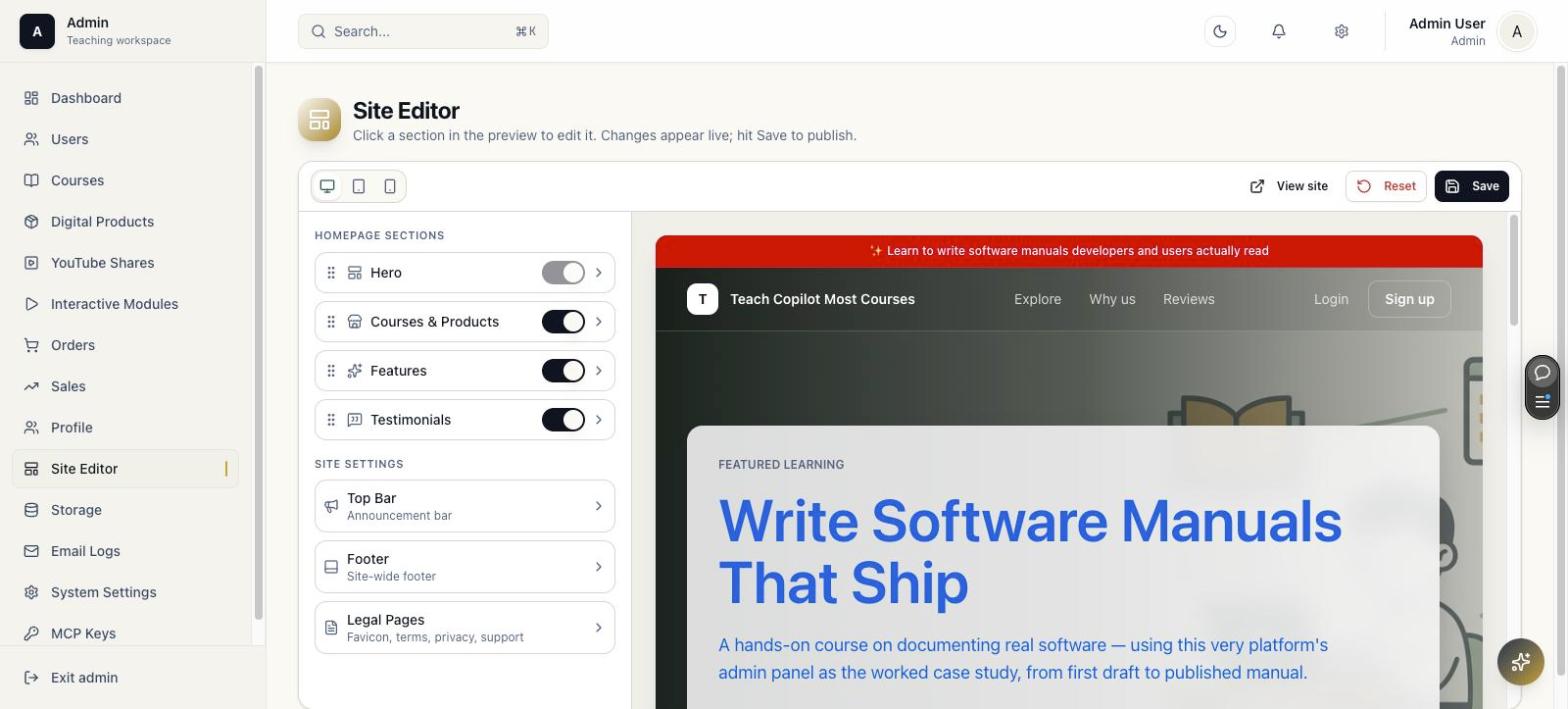
Edit the homepage with a live split preview.
You need to be comfortable running a Docker container and pointing it at a Postgres database, the same skill level as deploying any self-hosted app. Day-to-day course, product, and order management happens entirely in the admin panel afterward.
Nothing breaks. A lapsed maintenance window only stops new version updates and official support. The license stays active and the platform keeps running at full capability on the version you installed.
Yes. One purchase includes 3 live activations. You can use them for your own sites, for client deployments you build and manage, or split them between both.
Yes. It's your Docker image and your database. Point the same image at your data on any Docker host or Node.js server you control.
In the Postgres database you provide, on infrastructure you choose. File storage is pluggable (Postgres, S3, R2, or Vercel Blob), also on your account, not ours.
Yes. A fresh install runs unlicensed for 30 days with full functionality on 1 course and 1 digital product, so you can build something real before deciding.
Send support requests or product suggestions straight from this landing page. Purchased customers can include their order email or license key so you can prioritize real install issues faster.
Pay once, activate up to 3 sites, and turn the same purchase into your own course platform or paid implementation work for other creators.
Enter TEACHCOPILOT100 in the discount code field at checkout.